Highlighter
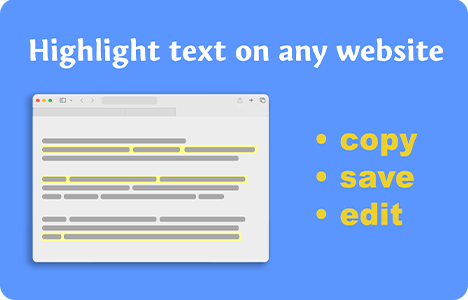
Select text on any page to highlight it. Your highlights are saved locally and shown in the popup, where you can copy everything as one combined note.

Highlight selected text directly on the page. The highlight stays visible and is automatically saved so you can come back to it later.

Open the extension popup to view your collected highlights for the current page. It also shows a simple count so you always know how much you saved.

Click “Copy All” to copy every highlight into your clipboard as one combined note. Great for pasting into Notion, Docs, notes apps, or research drafts.

Remove a single highlight anytime (Tip: Ctrl+Click a highlight on the page), or use “Clear All” in the popup to wipe everything for that page.

Highlight text on any page you visit. No accounts, no setup — just install and start collecting notes instantly.

Your highlights are stored locally in the browser (Chrome storage). No tracking, no external services, and no data uploads.

Stay updated! Get useful tools, tips, and updates straight to your inbox.


